Request a deposit manually
PMS integrations
For properties with a PMS integration, deposit requests are sent automatically once the invite trigger condition is met—no need for you to do anything.
Deposits managed in Whale Portal
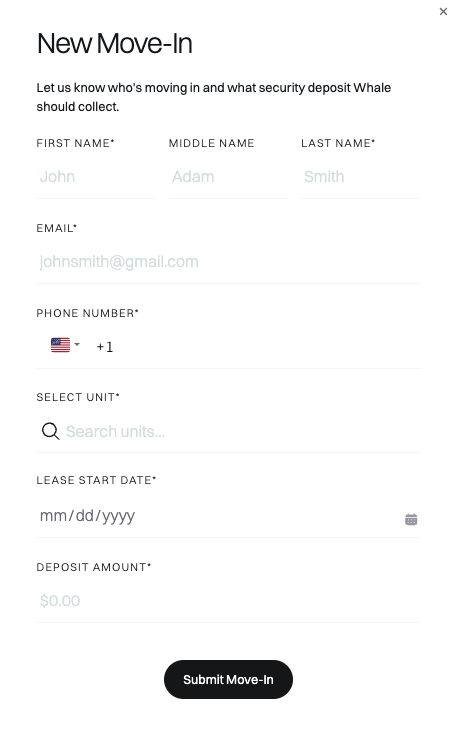
Follow these steps to request a new deposit:
- Log in to Whale Portal
- Click the “+” button
- Fill out the information request and click "Submit Move-In"
Whale will immediately send the deposit request to the renter.