
Accepted payment methods
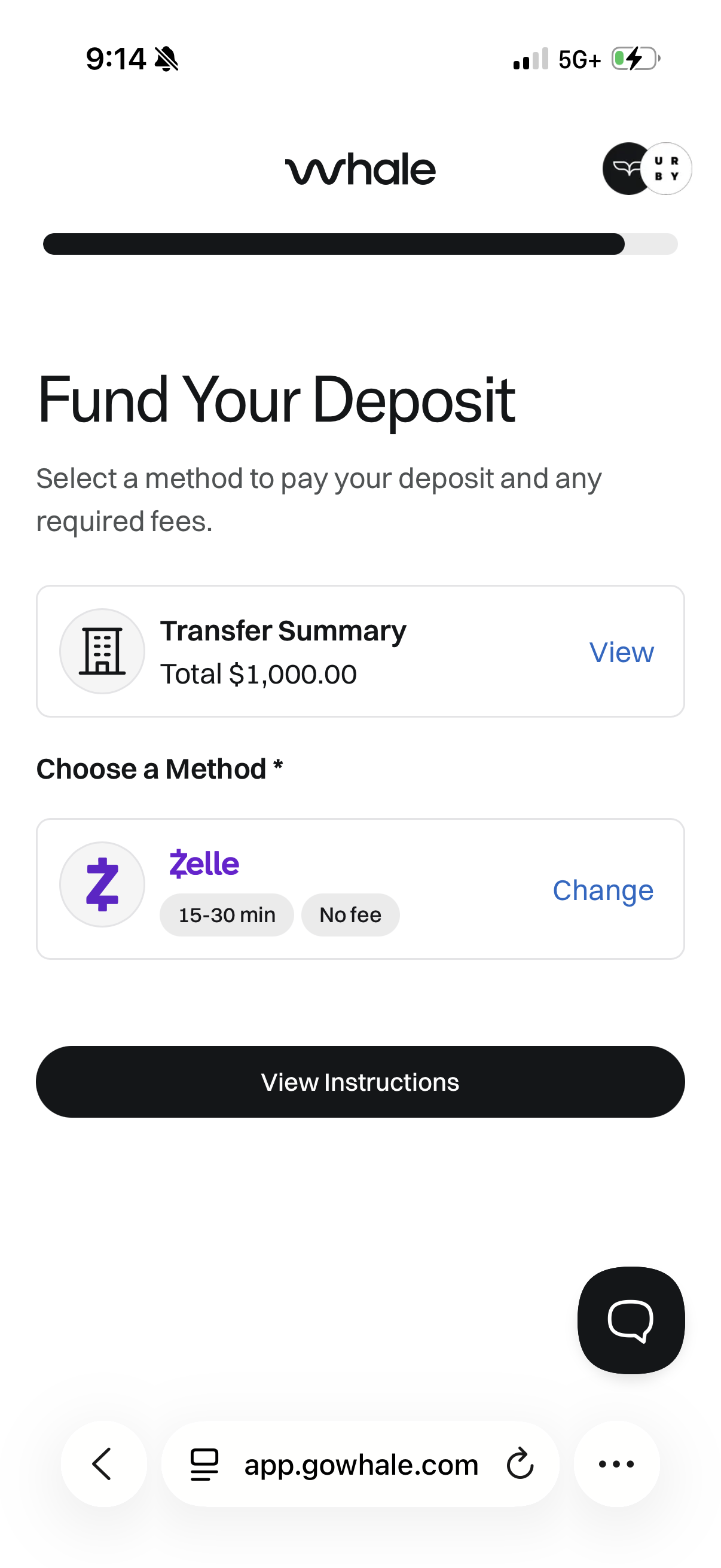
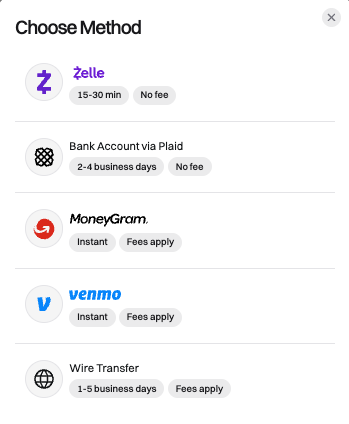
Whale accepts the following payment methods: Zelle, Venmo, MoneyGram, Wire Transfer and ACH Transfer.
Step-by-step instructions are provided to the resident after they select a method when logged into Whale.
|
|
|
FAQ:
Can the security deposit be paid in installments?
The deposit can be paid in multiple installments using Zelle, Venmo, MoneyGram, or Wire Transfer. Partial payments via ACH Transfer are not supported at this time.
Can the resident use a Debit or Credit Card?
We do not accept credit or debit card payments at this time.
Why don't I see the deposit has been paid if the resident says they've completed payment?
If the resident did not include their unique reference code in their transfer, Whale cannot allocate the funds to their deposit. Please have them contact support@gowhale.com and include a picture of their transaction receipt showing the amount sent and transfer reference number so we can track down the funds.
ACH Bank Transfer (via Plaid)
Standard (1-4 business days): $0
ACH Return Fee: $25
The resident can link their bank account using Plaid to transfer funds directly from their existing bank to Whale.
Before initiating the transfer, Whale will check their account balance to ensure they have sufficient funds to cover the deposit. However, they must keep enough funds available in their account until the transfer completes to avoid the transfer being returned and incurring a $25 fee.
Zelle
Standard (Same Day**): $4.99
The resident can use Zelle to send a deposit payment to Whale. You can check if their bank supports Zelle transfers here.
The fee charged by Whale covers our costs to accept funds as a business on Zelle.
Unable to add contact: If the resident receives an error when trying to add Whale as a contact, it's possible their bank will not allow them to use Zelle. Please have them connect their bank via Plaid to send an ACH Transfer instead.
|
|

MoneyGram*
Standard (Same Day): $0
MoneyGram is a great option for residents who want to pay their deposit with cash. The resident can send a MoneyGram to Whale by visiting a MoneyGram location or using their website.

Wire Transfer*
Standard (1-5 business days): $0
Whale accepts both domestic and international wire transfers.
Although Whale does not charge a fee to receive wire transfers, it’s possible the renter’s bank charges a fee to send the funds or a currency exchange fee if they are not sending USD.

Venmo
Standard (Same Day): 3.5% of transfer amount
The resident can use Venmo to send funds to Whale. They must follow the instructions provided to send their security deposit + fee to Whale to complete their deposit requirement.
The fee charged by Whale cover our costs to accept funds as a business on Venmo.

*Their bank or these providers may charge a fee to use this transfer method.
**Transfers are processed same day as long as a valid reference code is included with the transaction.